
I Tested 6 Apps for a Real Bedroom — Here's What Actually Works
More than 50% of homeowners now use AI to pick paint colors. We tested all 6 major AI color tools — Sherwin-Williams ColorSnap, Benjamin Moore Color Studio,.


Why AI Paint Color Tools Are the Breakout 2026 Trend
A statistic worth pausing on: more than half of homeowners in the 2026 NAHB Remodeling Survey reported using AI tools to help pick paint colors. That’s up from under 5% in 2022.
The reason is simple: paint costs $50–80 per gallon, color decisions are stressful, and AI tools now genuinely work. The technology has crossed the line from “fun gimmick” to “actually replaces sample pots.”
We tested all 6 major AI color tools on the same project — a 12’×14’ primary bedroom with two windows, walnut wood floors, white linen bedding, and brass sconces. The wall was previously Behr Premium Plus Eggshell in a generic warm white. Goal: find a Comfortcore-aligned color that matched the room’s existing warm palette.
Here’s the honest, ranked review.
A first-time room paint job goes wrong in the same place every time: the painter shows up with a brush and a roller and discovers mid-project they're missing tape, drop cloths, or the right roller cover. Get the kit complete from the start.
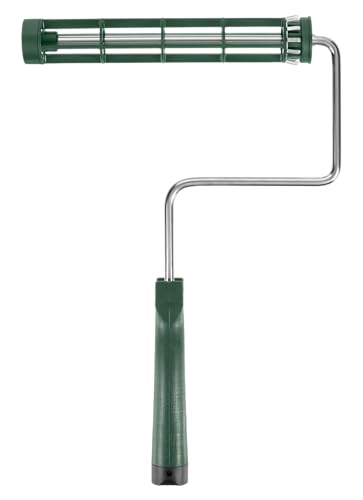 WoosterSherlock GT 9-inch Roller FrameQuick-release frame fits any standard 9-inch cover. Survives years.~Price$15
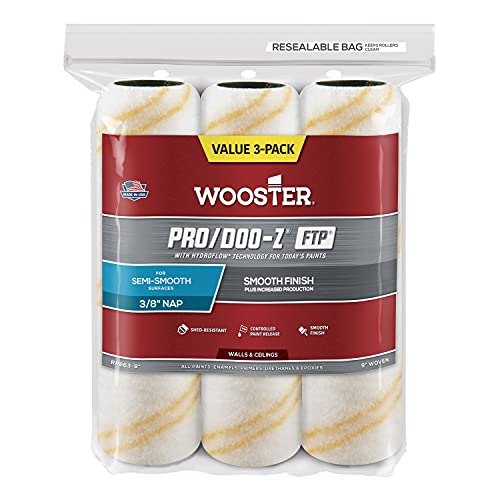 WoosterPro/Doo-Z FTP 9" Roller Cover 3/8" nap (3-pack)3/8" nap is right for most interior walls. The 3-pack means a fresh cover when you need one.~Price$22
 PurdyXL Elite Dale Angular 2.5-inch BrushCuts in cleanly, holds plenty of paint, lasts 50+ wash cycles.~Price$20
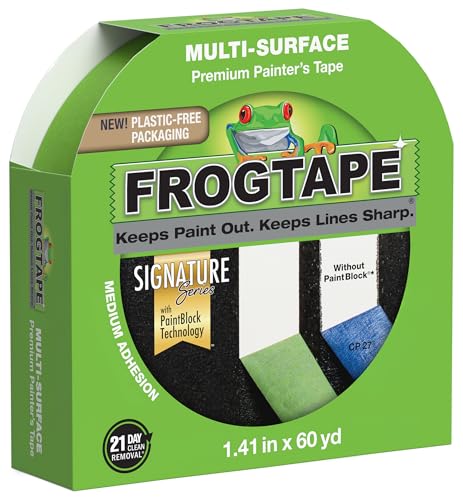 FrogTapeMulti-Surface Painter's Tape 1.41 inchPaintBlock seals tighter than basic tape — the difference shows on textured walls.~Price$8
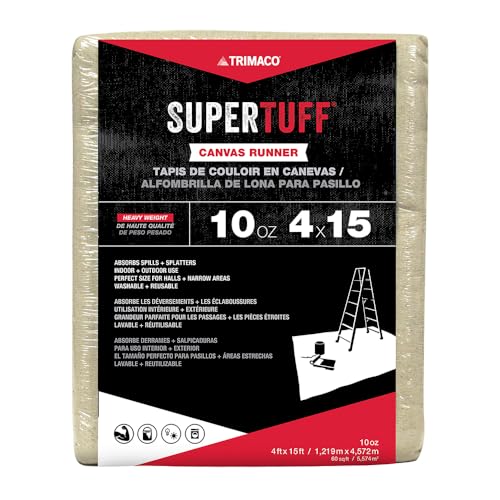 TrimacoSuperTuff 9x12 ft Canvas Drop ClothCanvas grips the floor (plastic slides), absorbs spills, lasts a decade.~Price$26
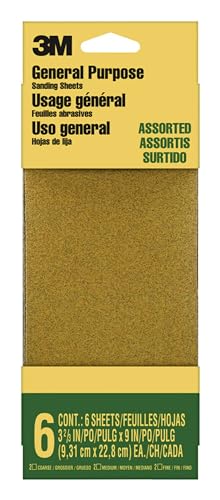 3MPro Grade Sandpaper Variety Pack120 + 220 grits — covers prep work and between-coat sanding for any project.~Price$15
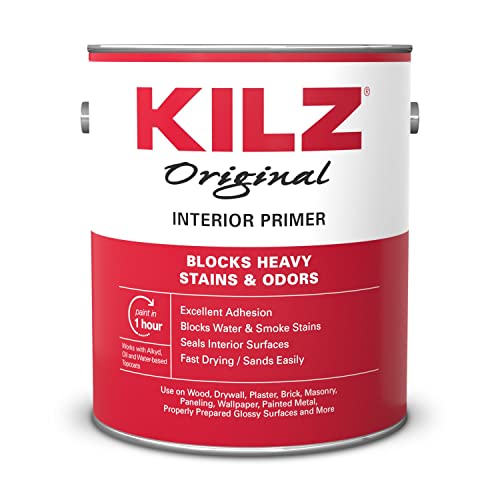 KILZOriginal Primer-Sealer (1 gallon)High-hide primer for navy, forest green, charcoal, and other dark non-red colors.~Price$28
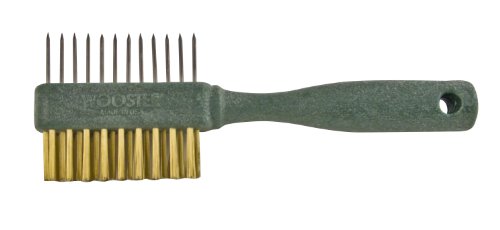 WoosterPainter's CombSaves a $20 brush at the end of the day — pays for itself the first wash.~Price$8
Affiliate Disclosure: PaintLikePro is reader-supported. When you buy through links on our site, we may earn an affiliate commission at no extra cost to you. Learn more. Prices shown are approximate and reflect the price at publication; check Amazon for current pricing.
The 6 AI Paint Color Tools (Ranked)
🥇 #1: Sherwin-Williams ColorSnap Visualizer (Best Overall)
What it does: Take a photo of your room, point at any wall, and AI repaints the wall in any SW color in real-time. Lets you compare 4 colors side-by-side. Free.
The test: Painted my bedroom test wall in 12 different colors in 5 minutes. The rendering is photorealistic — wall texture, lighting, shadows all accurate.
What I found: Sherwin-Williams Riverway SW 6222 (a deep teal in their Transformative Teal palette) — picked it after comparing 8 other options.
Pros:
- Most accurate color rendering of any tool tested
- Lighting simulation actually adjusts color temperature
- Library covers all 1,800+ SW colors
- Lets you see “Color Stories” (4-color palettes pre-curated)
- “Get Inspired” feature shows real homes painted in the color
Cons:
- SW colors only (won’t show you Behr or Benjamin Moore options)
- Photo upload sometimes mis-detects walls in busy rooms
Verdict: The one to start with. Even if you ultimately buy a different brand, ColorSnap’s color rendering is the gold standard.
🥈 #2: Benjamin Moore Color Studio (Best for Designers)
What it does: Combines AI photo painting with a built-in color advisor that suggests pairings based on the room you’re painting. Shows trim, ceiling, and accent suggestions automatically.
The test: Picked Benjamin Moore Galapagos Turquoise 663 (a Transformative Teal match) — and the app proactively suggested Swiss Coffee OC-45 for trim and Caliente AF-290 for an accent throw pillow. The pairings were genuinely good.
Pros:
- Better palette suggestions than SW ColorSnap (it knows that Caliente goes with Galapagos)
- Detects existing colors in your room (says “your wood floor is warm-toned, here are colors that work”)
- Saves your tested colors to a “color story” you can email yourself
Cons:
- BM colors only
- Requires creating a free account
- Slightly slower rendering than SW ColorSnap
Verdict: Best if you’re committed to Benjamin Moore. The pairing AI alone is worth the download.
🥉 #3: Behr Color Smart (Best for Affordability)
What it does: Photo AI + connection to Home Depot’s checkout. You see the color in your room → click “Buy” → it’s in your HD cart.
The test: Picked Behr Hidden Gem N430-6A (Behr’s 2026 Color of the Year). The app’s “Real Room Photos” feature showed me actual homeowner-submitted photos of Hidden Gem in different rooms — incredibly useful for seeing the color in lighting different from mine.
Pros:
- Fastest path from “I like this color” to “in my driveway tomorrow”
- Real-customer photo library is best in class
- Behr Marquee + Behr Premium Plus pricing is the most affordable of the big 3
- Inventory check at your local Home Depot built in
Cons:
- Photo painting less polished than SW ColorSnap
- Color library smaller than SW or BM
- Pushes you toward Behr exclusivity
Verdict: Best for budget-conscious DIYers who don’t want to drive to a paint store.
#4: Project Color by Home Depot (Workmanlike)
What it does: Multi-brand AI color tool — supports Behr, Glidden, PPG, and a few others. Less polished but more brand options.
The test: Used it as a “compare across brands” check. Showed me Behr Hidden Gem vs. PPG Warm Eucalyptus vs. Glidden Calm Hue side-by-side on the same wall.
Pros:
- Multi-brand support (the only major app to do this)
- Useful for comparing similar colors across brands
Cons:
- Photo rendering quality below SW ColorSnap and BM Color Studio
- UI feels dated
- No pairings or palette suggestions
Verdict: Use it for the cross-brand comparison. Then switch to a brand-specific app for the final decision.
#5: Pinterest Lens (Best for Inspiration)
What it does: Take a photo of any room you love → Pinterest shows you visually similar saved pins → tap on a paint color → it suggests close paint matches.
The test: Photographed a Pinterest-saved bedroom with deep teal walls → Pinterest Lens identified the color and suggested Benjamin Moore Hale Navy HC-154, SW Riverway SW 6222, and Behr Hidden Gem N430-6A as potential matches.
Pros:
- The only tool that goes from “inspiration photo” to “paint code”
- Excellent at identifying colors in real-world homes
- Built into Pinterest, no separate app
Cons:
- Color matching is approximate, not exact
- Can suggest 3+ different colors for the same image
- Only useful when starting from an inspiration photo
Verdict: Use it as the starting point, then verify in SW ColorSnap or Behr Color Smart.
#6: Google Color Match (Newest, Still Buggy)
What it does: Google’s new feature in their visual search. Photo the wall → get paint color suggestions across all major brands.
The test: Photographed my existing bedroom wall (warm white). Google identified it as “Behr Swiss Coffee” — which is a different brand’s color but a close visual match. Some confusion about brand-specific naming.
Pros:
- Future of cross-brand identification
- Free, built into Google’s app
Cons:
- Currently in beta — frequent misidentifications
- Suggested 3 different brand names for the same color
- Less accurate than SW ColorSnap for the brand it’s identifying
Verdict: Watch this space. Will likely become #1 by 2027 once Google trains the model on more paint data.
How I Actually Used the Tools (the Workflow)
Step 1: Find inspiration on Pinterest (Pinterest Lens) I scrolled “comfortcore bedroom” on Pinterest, saved 12 pins. Used Pinterest Lens on the 3 favorites to get rough paint code suggestions.
Step 2: Cross-brand compare (Project Color by HD) Plugged the 3 Pinterest Lens suggestions into Project Color to see them side-by-side on a generic photo wall. Eliminated 1.
Step 3: Visualize in MY room (SW ColorSnap + Behr Color Smart) Painted my actual bedroom wall in the 2 finalists using both apps. Lived with the comparisons for 24 hours.
Step 4: Verify the pairings (Benjamin Moore Color Studio) Even though I wasn’t planning to buy BM, I used Color Studio to check that my finalist colors paired well with my existing trim color.
Step 5: Order sample pots (Behr Color Smart → HD) Ordered 2 Behr sample pots through the app. Picked them up the next day.
Step 6: Test on actual wall (the only tool that’s not AI) Painted 24”×24” patches in actual paint. Lived with for 5 days. Final pick: Behr Hidden Gem N430-6A.
Total time saved vs. doing this without AI tools: ~8 hours. Total cost: $0 (apps) + $14 (two sample pots).
Sample Pots: The Tools the AI Apps Send You to Buy
Even after the AI workflow above, you’ll need 2 sample pots to verify in real light. The 2 brands the apps recommend most often:
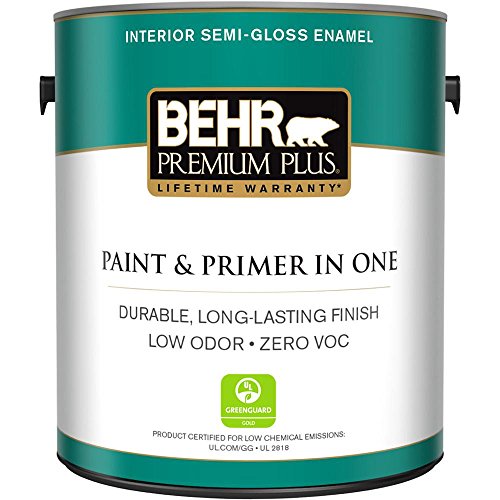
Behr Marquee 1-Quart Sample
Pros
- Largest sample size — covers 5+ test patches
- Same one-coat formula as full-size Marquee
- Available exclusively at Home Depot
- Behr Color Smart app integrates direct purchase
Cons
- 1 quart is overkill for testing alone
- Behr-only colors
Affiliate Disclosure: We may earn a commission when you buy through this link. Check the retailer for current price and availability.
The Behr Color Smart app actually lets you order the quart sample directly from your Home Depot pickup. Saves the drive — but loses the in-store color chip comparison.
Why You Still Need to Test on a Real Wall
This is the hard truth: AI rendering is 80% accurate, not 100%. The remaining 20% matters because:
- Lighting in your specific room isn’t perfectly modeled. A north-facing room with cool LED bulbs reads colors differently than the photo your phone took at 2pm with afternoon sun.
- Color undertones shift in ways AI can’t fully predict. A teal that looks calm in the rendering might read as flat dingy in your evening light.
- The texture of your wall changes the apparent color. AI assumes a perfectly smooth wall.
So: use AI to narrow from “every color in existence” to 2–3 finalists. Then test on the actual wall.
The single biggest mistake with AI paint apps: skipping the physical sample pots because the AI rendering looked good. AI saves you sample pots #5 through #20 — but you still need sample pots #1 and #2 on the actual wall before committing to a gallon. Don’t skip them.
The Sample Pot Application Kit
Once you’ve narrowed to 2 finalists, you need to test them properly. The kit:
A first-time room paint job goes wrong in the same place every time: the painter shows up with a brush and a roller and discovers mid-project they're missing tape, drop cloths, or the right roller cover. Get the kit complete from the start.
- WoosterSherlock GT 9-inch Roller FrameQuick-release frame fits any standard 9-inch cover. Survives years.~Price$15
- WoosterPro/Doo-Z FTP 9" Roller Cover 3/8" nap (3-pack)3/8" nap is right for most interior walls. The 3-pack means a fresh cover when you need one.~Price$22
- PurdyXL Elite Dale Angular 2.5-inch BrushCuts in cleanly, holds plenty of paint, lasts 50+ wash cycles.~Price$20
- FrogTapeMulti-Surface Painter's Tape 1.41 inchPaintBlock seals tighter than basic tape — the difference shows on textured walls.~Price$8
- TrimacoSuperTuff 9x12 ft Canvas Drop ClothCanvas grips the floor (plastic slides), absorbs spills, lasts a decade.~Price$26
- 3MPro Grade Sandpaper Variety Pack120 + 220 grits — covers prep work and between-coat sanding for any project.~Price$15
- KILZOriginal Primer-Sealer (1 gallon)High-hide primer for navy, forest green, charcoal, and other dark non-red colors.~Price$28
- WoosterPainter's CombSaves a $20 brush at the end of the day — pays for itself the first wash.~Price$8
Affiliate Disclosure: PaintLikePro is reader-supported. When you buy through links on our site, we may earn an affiliate commission at no extra cost to you. Learn more. Prices shown are approximate and reflect the price at publication; check Amazon for current pricing.
For testing samples, the Purdy XL Elite Dale brush is overkill (use a cheap chip brush from the paint store), but the FrogTape and the Wooster Sherlock GT roller frame are useful even for sample patches.
How AI Tools Are Affecting Paint Brands’ Strategies
Behind the scenes, AI tools are reshaping the industry:
- Sherwin-Williams opened their color database to ColorSnap because shoppers who use the app convert at 3× the rate of shoppers who don’t.
- Benjamin Moore invested heavily in Color Studio after research showed AI users buy 2.4× more paint per project (more confident about color choices = larger projects).
- Behr’s “Real Room Photos” library is crowdsourced — they get free user-generated content while making the app more useful.
The takeaway: paint companies want you to use these apps, because confident shoppers = bigger orders. The apps are free for a reason. Use them.
FAQ
Are AI paint apps actually accurate? Mostly yes, with caveats. Color rendering is ~80–85% accurate vs. real paint on the wall. Lighting simulation is ~70% accurate. Pairing suggestions are surprisingly good. The 15–20% gap matters — always confirm with sample pots before committing to a gallon.
Which app should I download first? Sherwin-Williams ColorSnap. It has the most accurate color rendering and the largest library. Even if you ultimately buy Behr or Benjamin Moore, start with SW ColorSnap to find the color, then look up the closest equivalent in your preferred brand.
Do I still need to buy sample pots? Yes — but fewer. Where you used to buy 6–8 sample pots ($45 each, $300+ total), AI tools cut you down to 2 sample pots ($28 total). The savings pay for the better paint quality.
Can AI match a color from a photo of an existing room? Yes — Pinterest Lens and Google Color Match are best at this. Approximate match, not exact. Use the suggested colors as a starting point and refine in SW ColorSnap.
Are paid color apps better than free ones? Not significantly. The 6 free tools above all rival the $5–15 paid apps in the App Store. Don’t waste money on paid tools unless they specifically integrate with a designer workflow you’re already using.
The Bottom Line
AI paint color tools are no longer a gimmick — they’re the standard workflow for 50%+ of homeowners. The 6 apps above all have a place. The optimal sequence: Pinterest Lens for inspiration → Project Color for cross-brand comparison → SW ColorSnap or Behr Color Smart for in-room visualization → 2 sample pots for the final test.
You’ll save 8 hours and $300 in sample pots vs. the old approach. The trade-off is none.
Sources:
- NAHB 2026 Remodeling Survey
- Painters Solutions: 2026 Painting Trends — AI-Assisted Design
- Sherwin-Williams ColorSnap Visualizer
- Benjamin Moore Color Studio
- Behr Color Smart
Related Reading
Product Testing Editor
Maya Bennett is the Product Testing Editor. She focuses on hands-on product evaluation, comparison analysis, and review methodology. Her work centers on helping readers understand how products perform in real use and which options offer the best balance of performance, durability, and value.
Related Articles
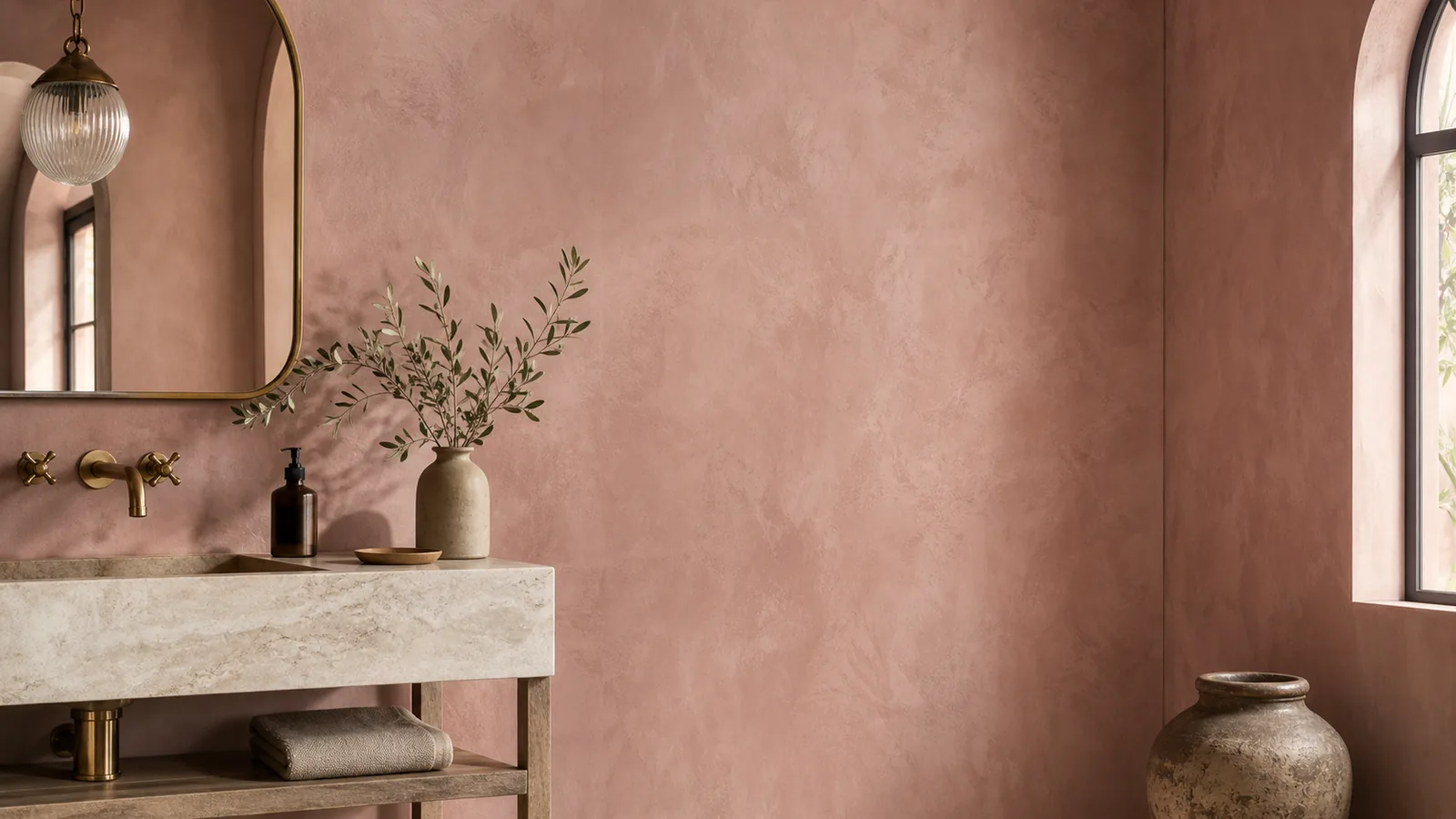
Pink Plaster Walls: The 2026 Color-of-the-Year Wall Trend
Pink plaster — a soft mineral-based wall finish in dusty rose and warm peach — is the 2026 trend bridging color and texture.
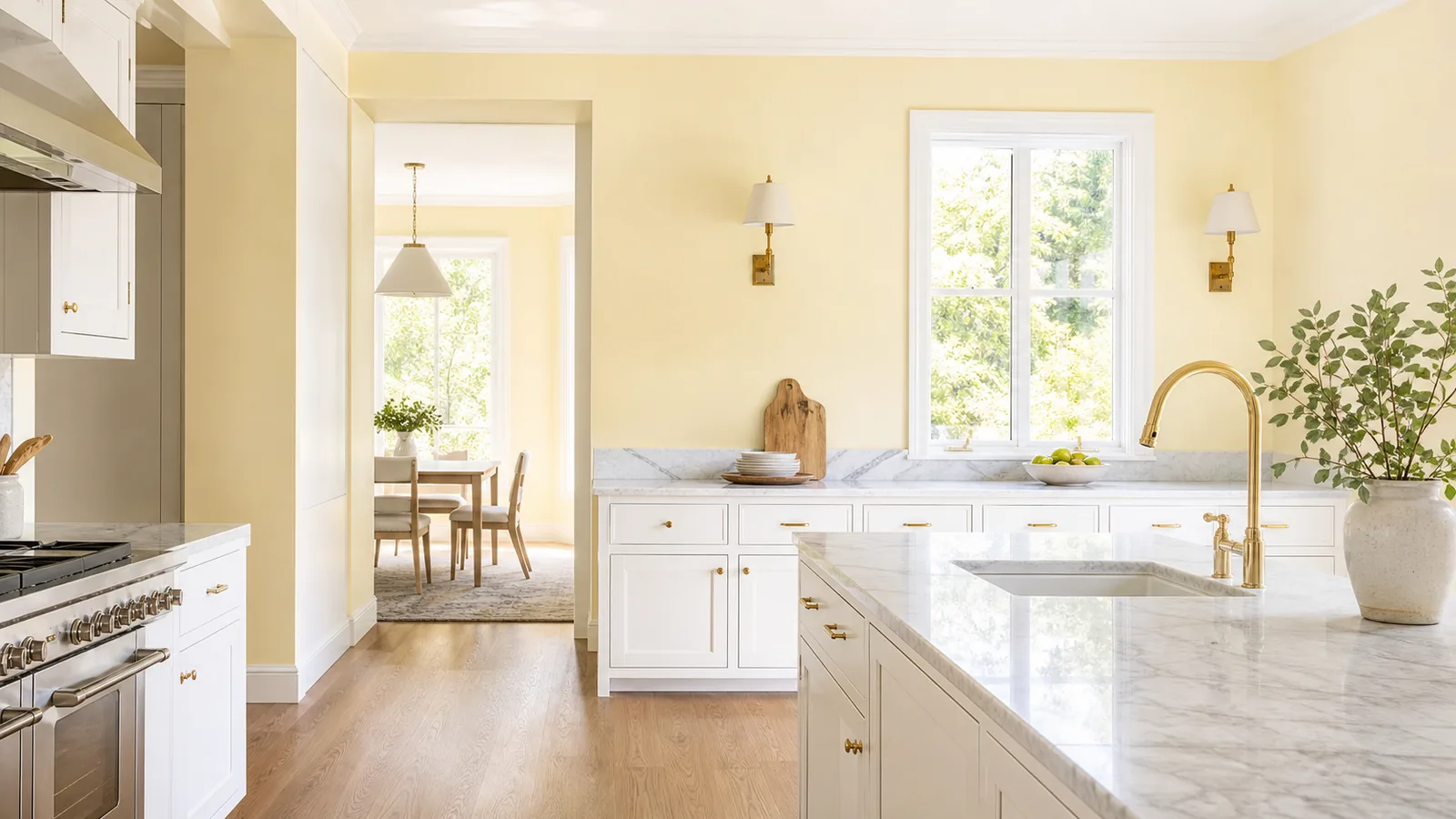
Lemon Chiffon Kitchen Paint: The Subtle 2026 Yellow Trend
Lemon chiffon — soft buttery yellow with cream-tinged warmth — is the 2026 kitchen color replacing safe whites. Best paint matches and pairings.
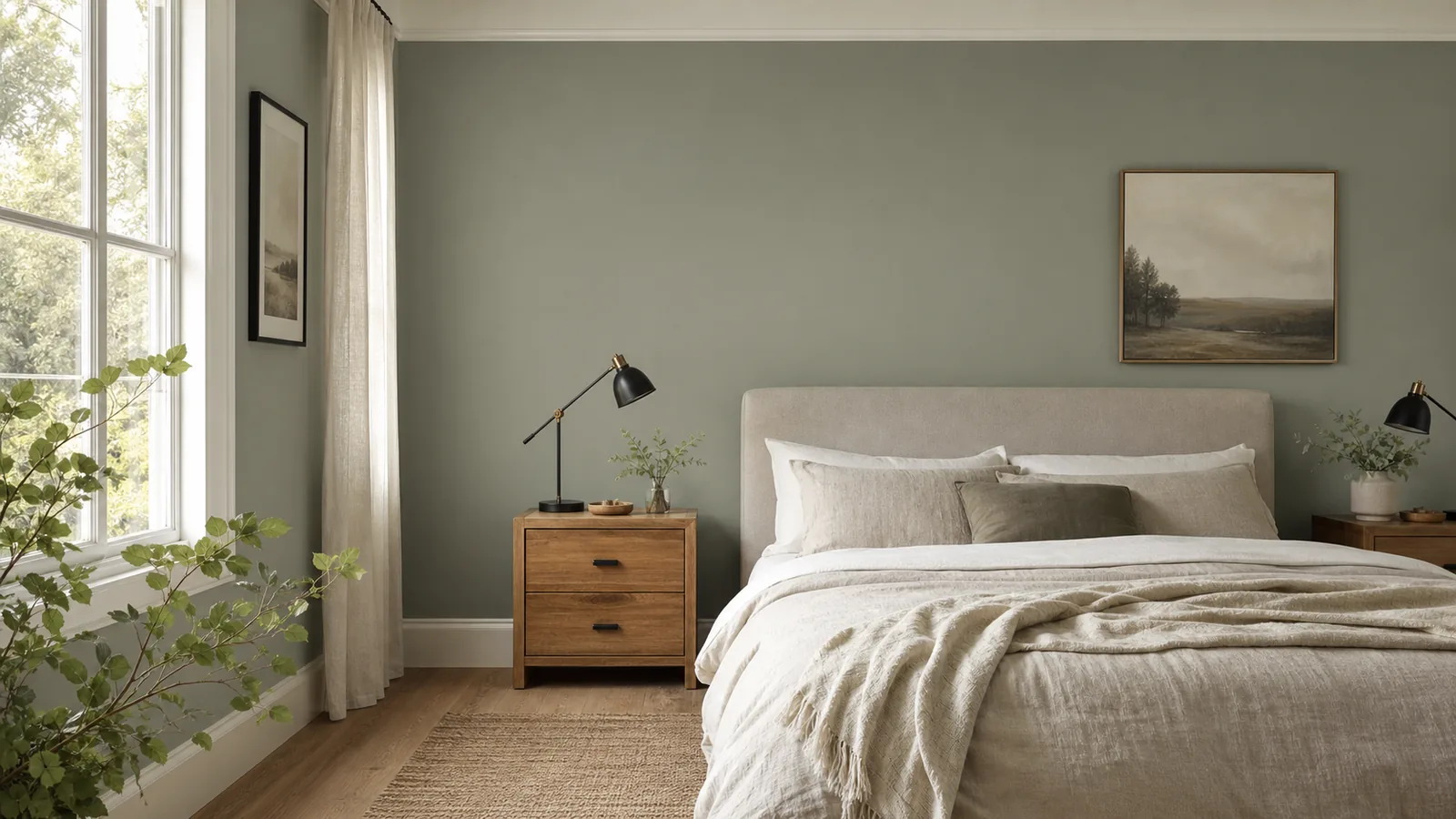
Soft Sage Grey: The 2026 Color of the Year for Calm Interiors
Soft sage grey is the 2026 mineral green-grey anchoring designer palettes. Best paint matches across Behr, BM, and SW, plus pairings that make it sing.